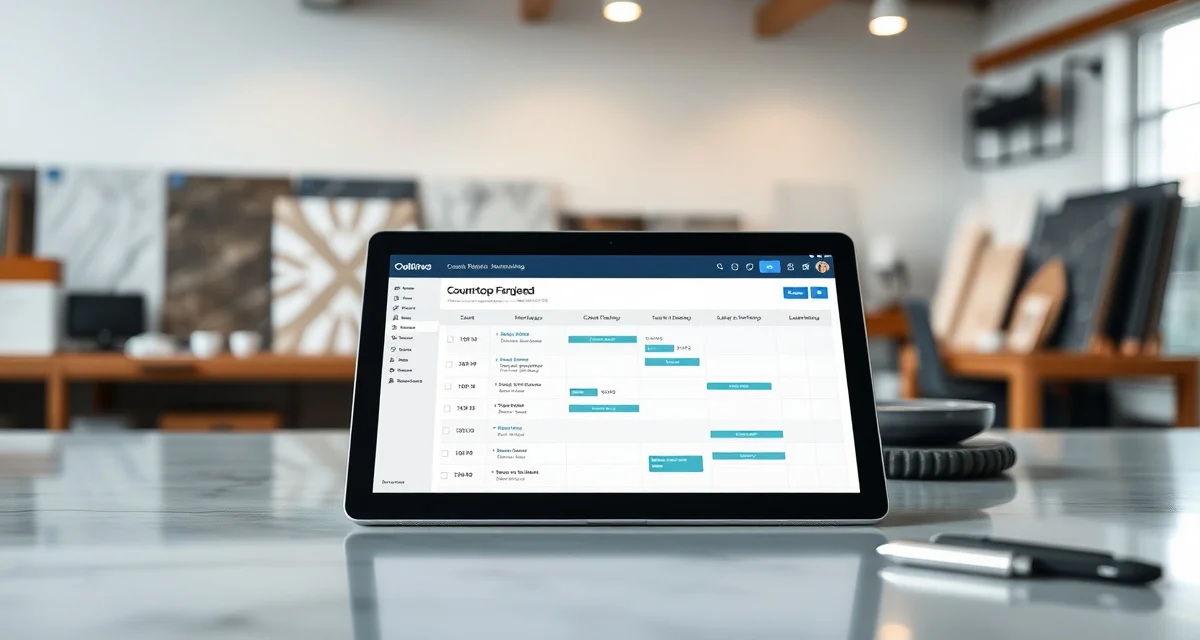
What Is Moraware Systemize? Definition & Guide
Quick Definition
Moraware Systemize is a cloud-based job tracking and scheduling software designed specifically for countertop fabrication shops. Part of the Moraware software suite (which also includes CounterGo for estimating), Systemize helps fabricators manage job workflows from sale through installation - tracking templates, fabrication, and install schedules on visual calendars and job boards. With over 2,600 countertop shops using Moraware products, it's the most widely adopted fabrication management software in the US market.
TL;DR
- Moraware Systemize is the leading job tracking/scheduling software for countertop fabricators
- Used by 2,600+ fabrication shops in the US
- Tracks jobs through stages: sold, measured, templated, fabricated, installed
- Visual scheduling calendars for template crews, production, and installation teams
- Pricing: approximately $200-$400/month depending on configuration and users
- Cloud-based (SaaS) - accessible from any browser, no local installation
- Often paired with CounterGo (Moraware's estimating/quoting tool)
Moraware Systemize: The Industry's Default Job Tracker
What Systemize Does
At its core, Moraware Systemize is a digital job board. Every countertop job moves through defined stages - sale, measurement, template, fabrication, installation - and Systemize tracks where each job sits at any given moment.
Calculate your material waste savings
See exactly how much slab material and money you could save with optimized cutting layouts.
Try the free Waste CalculatorFor a fabrication shop running 20-40 jobs per month, knowing the status of every job prevents the problems that plague shops using whiteboards, spreadsheets, or memory:
- Missed template appointments
- Jobs stuck waiting for material
- Installation crews showing up at homes that aren't ready
- Customer complaints about lack of communication
Key Features
| Feature | What It Does |
|---|---|
| Job Board | Visual dashboard showing all active jobs and their current status |
| Scheduling Calendars | Drag-and-drop calendars for template, fabrication, and install scheduling |
| Activity Tracking | Log of all actions taken on each job (calls, emails, status changes) |
| Customer Records | Contact information, job history, and communication log per customer |
| Reporting | Production reports, revenue tracking, schedule utilization |
| Integrations | Connects with CounterGo (estimating), QuickBooks, and select third-party tools |
| Mobile Access | Browser-based, so field crews can update job status from phones/tablets |
How Fabricators Typically Use Systemize
The daily workflow:
- Sales closes a deal - Job enters Systemize with customer details, material selection, and estimate amount
- Office schedules template - Template appointment is placed on the scheduling calendar
- Templater completes measurement - Job status updated to "templated," files uploaded
- Production schedules fabrication - Job placed on production calendar based on material availability and capacity
- Shop completes fabrication - Status updated, quality checked
- Office schedules installation - Install crew and date assigned on the install calendar
- Installation completed - Job closed, final invoice generated
Systemize keeps all of this visible to everyone in the shop - from the owner to the office manager to the installer checking the schedule on their phone.
Moraware Pricing
Moraware uses a subscription model that varies based on the number of users, modules, and features:
| Package | Approximate Monthly Cost | Includes |
|---|---|---|
| Systemize Basic | $200-$250/month | Job tracking, scheduling, basic reporting |
| Systemize + CounterGo | $300-$400/month | Adds estimating and quoting tools |
| Additional users | $25-$50/month each | Per-user fees for additional seats |
Pricing is approximate and varies by configuration. Contact Moraware for current quotes.
For context, the average US fabrication shop generates $1M-$5M in annual revenue. At $200-$400/month, Moraware represents 0.1-0.5% of revenue - a modest investment if it prevents even one scheduling error per month.
Systemize's Strengths
Industry-specific design. Unlike generic project management tools (Monday.com, Asana, etc.), Systemize is built for countertop fabrication workflows. The job stages, scheduling views, and terminology match how fabrication shops actually operate.
Large installed base. With 2,600+ shops using Moraware, you'll find abundant peer knowledge. Fabricator forums, Facebook groups, and industry events have plenty of Moraware users sharing tips and workarounds.
Scheduling visualization. The drag-and-drop calendar views for template, production, and install crews are genuinely useful. Seeing a week's worth of template appointments, production loads, and installs in one view helps shop managers spot conflicts and balance workload.
Systemize's Limitations
No built-in template verification. Systemize tracks that a template was completed, but it doesn't verify the template file for errors. A template can move to "ready for fabrication" status even if the DXF file has missing measurements or impossible angles. Template errors cause remakes costing $1,500-$4,000 each.
Basic slab inventory management. Systemize can log slab information, but it doesn't provide AI-powered nesting optimization to maximize material yield. With industry-average waste running 10-15%, and stone costing $20-$80/sq ft, better nesting translates directly to margin improvement.
Limited customer self-service. While Systemize handles internal communication well, it doesn't provide a customer-facing portal where homeowners can check job status independently. This means your office staff still fields those 8-15 status calls per day that eat into productive time.
Quoting speed. Even with CounterGo, generating a complete quote typically takes 10-15 minutes. High-volume shops or those competing on speed need faster turnaround.
Moraware vs. Alternatives
| Software | Strengths | Monthly Cost | Users |
|---|---|---|---|
| Moraware Systemize | Job tracking, scheduling, large user base | $200-$400 | 2,600+ shops |
| ActionFlow | Production workflow, visual job boards | $200-$350 | Growing |
| EasyStoneShop | All-in-one with quoting and scheduling | ~$150 | Smaller base |
| SlabWise | AI nesting, template verification, customer portal, quick quote | $199-$349 | Growing |
When to Consider an Alternative or Complement
Moraware Systemize is a solid job tracker. But many shops outgrow its capabilities as they scale or seek to address specific pain points:
- If remakes are costing you $3,000-$16,000/month: You need template verification that catches errors before fabrication. SlabWise's 3-layer check catches what Systemize doesn't track.
- If your office handles 8-15 customer status calls daily: A customer portal that lets homeowners check their own job status can cut calls by 70%. SlabWise includes this.
- If you're losing 10-15% of material to waste: AI-powered slab nesting can improve yield by 10-15%. This is thousands of dollars monthly for a busy shop.
- If quotes take 15-20 minutes each: SlabWise's Quick Quote generates accurate estimates in 3 minutes.
How much does Moraware Systemize cost?
Moraware Systemize pricing ranges from approximately $200-$400/month depending on modules and user count. Contact Moraware for exact pricing.
Is Moraware cloud-based?
Yes. Moraware Systemize runs in the cloud and is accessed through a web browser. No local software installation is required.
How many fabricators use Moraware?
Moraware reports over 2,600 countertop fabrication shops using their products, making it the most widely adopted fabrication management software in the US.
What is the difference between Systemize and CounterGo?
Systemize is the job tracking and scheduling module. CounterGo is the estimating and quoting module. They integrate with each other and are often sold together.
Does Moraware track slab inventory?
Moraware has basic inventory tracking capabilities, but it does not include AI-powered nesting optimization or advanced slab yield analysis.
Can customers check their job status in Moraware?
Moraware does not include a dedicated customer-facing portal. Job status updates are communicated by the fabrication shop's staff via phone, email, or text.
Does Moraware verify templates?
No. Moraware tracks template completion status but does not analyze template files (DXF) for measurement errors, impossible angles, or other issues that can cause fabrication problems.
Does Moraware integrate with QuickBooks?
Yes. Moraware offers QuickBooks integration for syncing invoices, payments, and financial data.
How long does it take to set up Moraware?
Typical setup takes 2-4 weeks including configuration, data migration, staff training, and workflow customization. Moraware provides onboarding support.
Can Moraware handle multiple locations?
Yes. Moraware Systemize supports multi-location fabrication operations, though some shops report that the multi-location features require careful configuration to work well.
Go Beyond Job Tracking with SlabWise
Moraware tracks where your jobs are. SlabWise makes sure they're done right - with verified templates, optimized slab yield, a customer portal that cuts calls by 70%, and quotes generated in 3 minutes instead of 20.
Start your 14-day free trial at SlabWise.com
Try These Free Tools
- Nesting Optimizer -- AI-powered slab layout that maximizes yield considering vein direction and defects.
- Defect Mapping -- Upload a slab photo and AI maps every fissure, pit, and color issue.
- Value Engineering -- Find dollar-quantified suggestions to save material without cutting margin.
Sources & Further Reading
- Natural Stone Institute - Fabrication Guidelines and Best Practices
- International Surface Fabricators Association - Waterjet Cutting Technology Standards
- ASTM International - Standard Guide for Abrasive Waterjet Machining
- OSHA - Safety Guidelines for Waterjet Operations