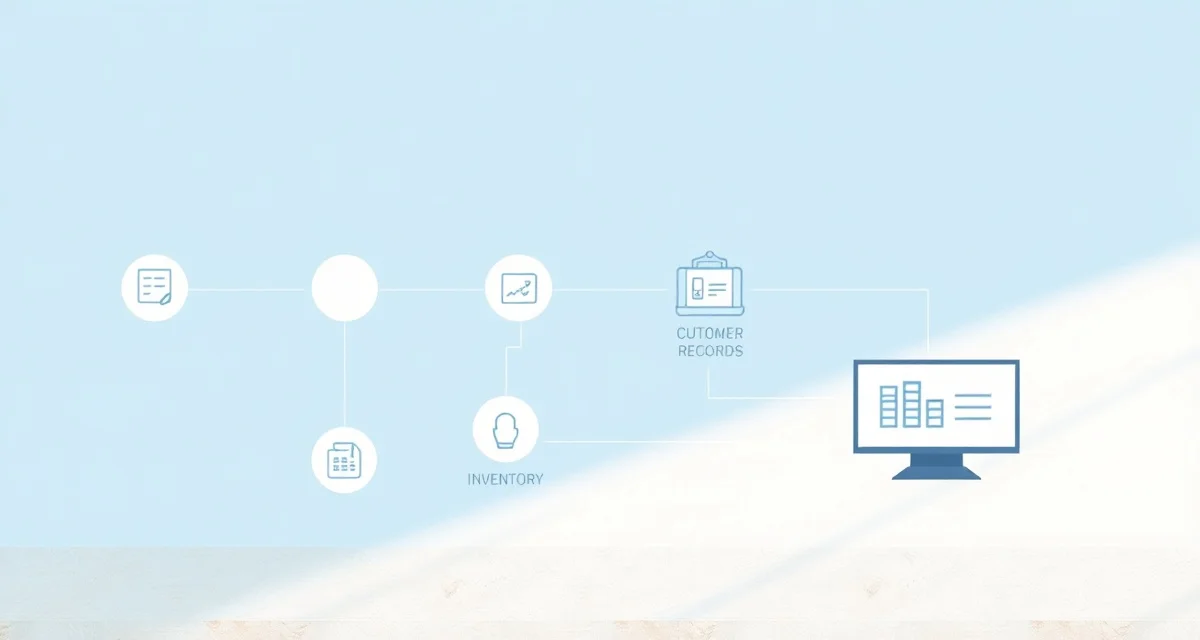
Migrating From Moraware to a Modern Platform: 7-Step Guide
Last October, Mike Ferreira in Charlotte told me his Moraware bill had quietly climbed to $1,480 a month. Twelve seats, two Countergo licenses, the Systemize add-on. "I didn't even notice it creeping up," he said. "Then I looked at the invoice and thought, I could lease another bridge saw for what I'm paying in software." Six weeks later, his 14-person shop was live on a new platform. No lost data. No dramatic downtime. Just a plan and some discipline.
That's the thing about migrating off Moraware: it sounds worse than it is. The software itself exports cleanly. The real risk isn't technical, it's organizational. You need a clear sequence, parallel running (do not skip this), and an owner who's willing to be available for questions during the first week of cutover.
This guide is platform-agnostic. Whether you're headed to Slabwise, ActionFlow, Slabware, StoneApp, or something else, the steps are the same.
Is the Move Actually Worth It?
Migration is real work. Four to eight weeks for a typical 12-employee shop. Before you commit, at least one of these should be true:
- Monthly Moraware cost exceeds $1,000 and keeps climbing
- AI nesting matters to your shop in the next 12 months
- Your office manager is burning 30+ minutes daily on schedule maintenance
- New estimator onboarding takes 4+ weeks because the UI is unintuitive
- You want quoting, nesting, and job tracking in one tool instead of stacked products
If none of those apply? Stay put. Seriously. The switching cost isn't worth chasing shiny software.
Step 1: Pick Your Destination (Week 1)
Shortlist three vendors. Demo with real templator files and real customer scenarios, not the vendor's canned kitchen layout. Score each one on your top three problems, total cost, onboarding time, and feature coverage.
Calculate your material waste savings
See exactly how much slab material and money you could save with optimized cutting layouts.
Try the free Waste CalculatorMost shops land on Slabwise (all-in-one with AI nesting bundled) or ActionFlow (cloud-native, feels Moraware-familiar). Some pick StoneApp for showroom-heavy operations or Slabware for inventory-focused workflows.
By end of Week 1: destination selected, contract in negotiation.
Step 2: Export Your Moraware Data (Weeks 1-2)
Moraware allows CSV export of customer records (names, contacts, addresses, history), job records (status, milestones, dates), quote history (line items, pricing, edges, cutouts), slab inventory if you use Slabsmith integration, and pricing rules (though templator-related rules may need manual rebuild).
Export everything to a local archive. This protects you against data loss during migration and gives you a reference when someone asks "What did we charge the Hendersons for that waterfall edge in March?"
Here's the catch: some things don't export cleanly. Custom field structures require manual mapping. Photos attached to jobs often need batch re-upload. Custom report definitions and integration configurations both need rebuilding in the destination. Plan for this. Most cloud destinations include concierge onboarding that handles the bulk import.
Step 3: Map Data to the New Platform (Weeks 2-3)
This is the spreadsheet-staring step. The destination platform has different fields, different categories, different pricing rule structures. Your data needs to fit.
Think of it like moving from one house to another. Your furniture is the same; the rooms are different shapes. Moraware's "Account Type" maps to the destination's customer category. Milestone names need translation. Edge profiles transfer conceptually but values may need re-entry. Cutout pricing rules need translating to the destination's pricing engine. Material markup and waste percentages usually transfer cleanly.
Most destination vendors with concierge onboarding handle this mapping work. If you're doing it yourself, plan one to two days of careful, field-by-field work.
Step 4: Configure the Destination (Weeks 3-4)
While data mapping finishes, configure the new platform for your shop's specifics:
- Pricing rules: edge upcharges, cutout fees, sink prep, removal, install, distance surcharges
- User accounts: estimators, office manager, owner, scheduler, fabricators, installers
- Mobile app setup: templators and installers download the new app
- QuickBooks integration: connect to your QuickBooks Online or Desktop
- CNC integration: configure for your specific machine (Park, BACA, Northwood)
- Customer text templates: configure milestone messages
- Customer portal: brand and customize if available
Test each integration with a real workflow before declaring it ready. Not a test job. A real one.
Step 5: Run Both Platforms in Parallel (Weeks 4-6)
This is the step shops skip. And then regret for months.
Run Moraware and the destination platform side by side for two to three weeks. Pick 10 to 15 real jobs to push end-to-end through the new system while Moraware stays the system of record.
During parallel running, you should: quote 10+ real jobs in the new tool, run 5+ jobs through the full lifecycle, have templators and installers use the new mobile app, send 3+ customer text milestones from the new tool, and pull 3+ reports.
Pass criteria: all jobs produced cleanly, customer-facing PDFs and texts look professional and accurate, mobile crews adapted within a week, reports match Moraware's data within 5 percent variance.
If anything fails, fix it before cutover. Do not cut over with known issues. I can't stress this enough. Fixing broken data after the switch is like regrouting tile that's already set, technically possible, miserable in practice.
Step 6: Cutover Day (Weeks 6-7)
Once parallel running validates the destination, you pull the trigger.
Cutover day, roughly:
- Final Moraware data export at 6 AM
- Import final delta into destination
- Switch QuickBooks integration
- Switch customer communications
- Switch CNC handoff
- All-hands meeting Monday morning: "From this moment, all new jobs go in the new platform"
- Hand out cheat sheets for common workflows
- Keep Moraware read-only for 60+ days
Plan for two to three days of confusion. That's normal. Owner availability for questions is critical the first week. If you're planning to be out of town, pick a different cutover date.
Step 7: Stabilize and Kill the Old Subscription (Weeks 7-8)
After cutover, focus on adoption and refinement.
Weeks 7-8: daily check-ins with the office manager on workflow issues, twice-weekly check-ins with estimators, mobile app adoption tracking for field crews, and customer feedback monitoring.
At the end of Week 8, pull your first month of data from the new platform. Compare it to baseline Moraware data: quote turnaround time, yield, margin, customer call volume. Identify any workflow gaps, request vendor support, then officially retire Moraware.
Cancel the subscription. Don't let it linger on auto-pay for three months because you're nervous. You have the CSV archive. You'll be fine.
Seven Pitfalls That Burn Shops Every Time
- Skipping parallel running. This causes data quality issues that take months to untangle.
- Underestimating crew adoption time. Templators and installers need one to two weeks with new mobile apps. Build that in.
- Migrating during peak season. Avoid spring and early summer. Late summer or late winter works much better.
- Cutting Moraware too early. Keep it read-only for 60+ days. The cancellation can wait.
- Not training the office manager first. Office manager adoption drives everything else. Train her thoroughly in Weeks 3-4.
- Choosing a destination based on demos alone. Run the pilot with real data, real jobs.
- Failing to negotiate concierge onboarding into the contract. Most cloud vendors include it. Get it in writing.
What This Actually Costs
Honest numbers for a 12-employee shop migration:
- Destination subscription (one month early start): $99-$799 depending on tier
- Moraware overlap fees (two months parallel): $1,400-$2,800
- Owner time: 40-60 hours over 8 weeks
- Office manager time: 60-90 hours over 8 weeks
- Estimator training: 1-2 days per estimator
- Crew training: 1 day per crew member
Cash cost: $1,500-$3,600 in overlapping subscriptions. Labor cost: 120-180 hours of team time, mostly distributed. Total real cost: approximately $5K-$10K equivalent including team time.
Most shops report break-even in 60 to 120 days from monthly software savings plus efficiency improvements. Mike in Charlotte hit break-even at about 75 days, mostly from eliminating his separate SigmaNest license and cutting quote turnaround from 48 hours to same-day.
Quick Note on OSHA Silica Compliance
Migration is a natural moment to add OSHA 29 CFR 1926.1153 silica compliance documentation if your shop is working toward an audit-ready operation. A few destination platforms (Slabwise among them) include dust collection equipment logs and water feed checks alongside job tracking. Worth flagging during vendor selection.
Where Slabwise Fits as a Migration Destination
Slabwise is built as a Moraware migration destination. Concierge onboarding handles data import. Implementation takes one to three weeks for a typical 12-employee shop, faster than Moraware's original onboarding. AI nesting bundled means you can retire SigmaNest if you have it. Flat pricing eliminates per-user fees. Native templator import keeps your existing LT-55, Proliner, or Laser Products hardware in service.
Total time from contract to fully live on Slabwise: typically four to six weeks for shops that follow this process.
Related Reading
- Moraware Review 2026: Pros, Cons, Pricing, Alternatives
- Moraware Alternatives: 7 Better Options for Stone Shops in 2026
- Moraware vs Slabwise: Honest Side-by-Side Comparison
- How to Choose Software for a Countertop Shop in 2026
- Systemize Review (Moraware Product): Is It Worth It in 2026?
- Pillar: Countertop Fabrication Complete Guide
- Adjacent Cluster A: How to Switch Countertop Software Without Losing Data
FAQ
Q: How long does Moraware migration take? A: Four to eight weeks for a typical 12-employee shop. Compressible to four with concentrated effort. Stretches to 14 for multi-location operations.
Q: Will I lose data switching from Moraware? A: No. CSV export from Moraware preserves customers, jobs, and quote history. Concierge onboarding from destination vendors handles the import.
Q: When is the best time to migrate? A: Late summer or late winter (slower seasons). Avoid spring peak (March through May) and end of year (November through December).
Q: Can I keep Moraware data accessible after switching? A: Most shops keep Moraware read-only for 60 to 90 days post-cutover for reference. After that, the exported CSV archive is sufficient.
Q: Do I need a consultant for the migration? A: Usually not for shops under 20 employees. Concierge onboarding from destination vendors covers most needs. Larger or multi-location migrations occasionally benefit from a one-week consultant engagement.
Q: What is the biggest mistake in Moraware migration? A: Skipping parallel running. Cut over without validating the new tool with 10+ real jobs and you'll spend months fixing data quality issues.
Q: How quickly does the new tool pay back? A: Most shops report break-even in 60 to 120 days from monthly software savings plus efficiency improvements (faster quoting, AI nesting yield, reduced office manager time).
Slabwise concierge onboarding includes Moraware data import, pricing rule rebuild, and team training. Most 12-employee shops are fully live on Slabwise within 4 to 6 weeks. Start your migration.