What Is Customer Portal? Definition & Guide
Quick Definition
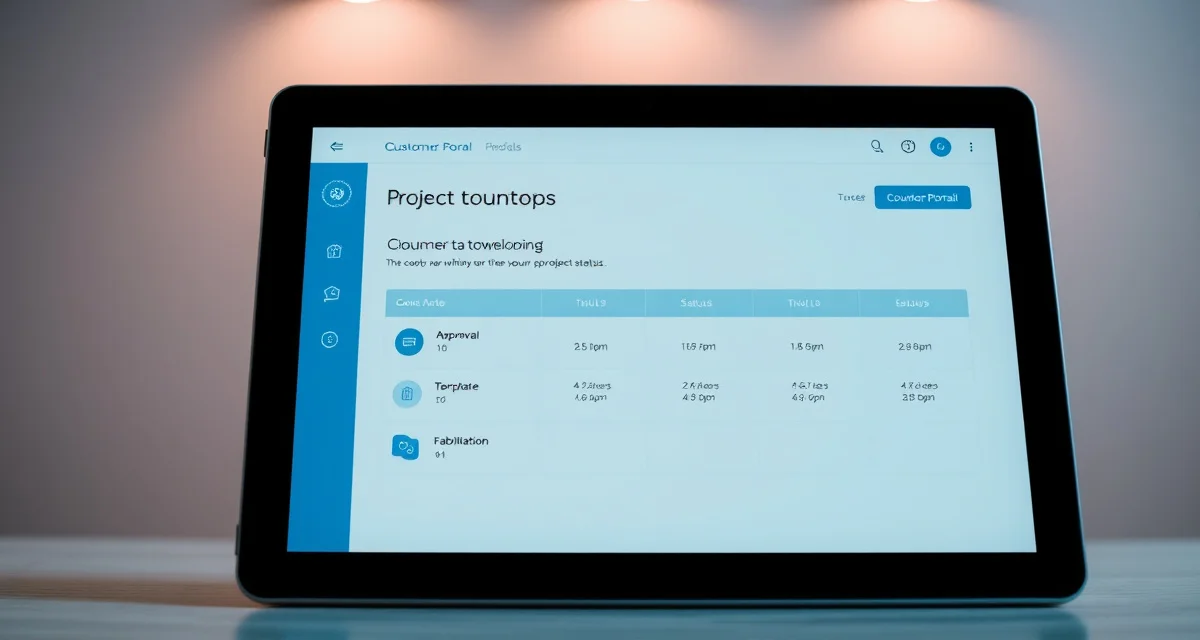
A customer portal is a secure online interface where homeowners and end clients can log in to view the real-time status of their countertop project - from quote approval through templating, fabrication, and installation. Instead of calling the shop for updates, customers check their portal for scheduling confirmations, material selections, photos, documents, and change orders. For fabrication shops, portals reduce inbound phone calls by up to 70%.
TL;DR
- A customer portal gives homeowners self-service access to their countertop project details
- Customers can view job status, schedule updates, documents, and material selections without calling
- Fabrication shops using portals report 60-70% fewer inbound customer calls
- Portals reduce miscommunication by keeping all project information in one accessible location
- Most portals integrate with quoting, scheduling, and fabrication management software
- The average countertop shop fields 8-15 customer calls per day - portals eliminate most of them
- SlabWise's Customer Portal cuts inbound calls by 70% and gives homeowners 24/7 project visibility
Why Customer Portals Matter in Countertop Fabrication
If you run a countertop fabrication shop, you already know the pattern. A homeowner places an order, and then the calls start:
Calculate your material waste savings
See exactly how much slab material and money you could save with optimized cutting layouts.
Try the free Waste Calculator"When is my template appointment?" "Has my stone been cut yet?" "What day is installation?" "Can I see my edge profile selection again?"
These calls aren't unreasonable. Homeowners are spending $3,000-$10,000 on countertops, and they want to know what's happening. But every call pulls someone in your office away from productive work. Multiply that by 8-15 calls per day, and your office staff is spending hours on status updates that could be automated.
A customer portal solves this by giving homeowners a login where they can see everything about their project - without picking up the phone.
What a Customer Portal Typically Includes
| Portal Feature | What the Customer Sees |
|---|---|
| Job Status Tracker | Current stage: quoted, templated, in fabrication, ready for install |
| Schedule Information | Template date, estimated fabrication completion, install appointment |
| Material Details | Slab selection, color, thickness, edge profile, finish |
| Documents | Quote, contract, change orders, warranty information |
| Photos | Slab photos, template images, in-progress fabrication shots |
| Payment Status | Deposit received, balance due, payment history |
| Communication Log | Messages between customer and shop, notes, updates |
| Change Requests | Ability to submit edge changes, add-ons, or questions through the portal |
The best portals update automatically as the shop's internal system changes. When a fabricator marks a job as "ready for install scheduling," the customer sees that update in real time without anyone sending an email or making a call.
The Phone Call Problem
The average countertop fabrication shop handles 8-15 inbound customer calls per day. Here's what that actually costs:
Time Cost
Each customer call takes 3-7 minutes between answering, looking up the job, relaying the information, and wrapping up. At 10 calls per day averaging 5 minutes each, that's nearly an hour of staff time - every single day.
Opportunity Cost
While your office manager is on the phone telling Mrs. Johnson that her granite is being cut tomorrow, three new leads are going to voicemail. Those missed calls represent lost revenue. Studies in the home services industry show that leads who reach voicemail are 80% less likely to call back.
Accuracy Cost
Verbal updates are unreliable. A customer hears "Thursday" and writes down "Tuesday." Then they show up on Tuesday wondering where the install crew is. A portal eliminates this by putting everything in writing, visible any time.
Stress Cost
Constant phone interruptions burn out office staff. High turnover in administrative roles at fabrication shops is partly driven by the relentless volume of repetitive status calls.
How Customer Portals Reduce Calls by 70%
When SlabWise shops deploy the Customer Portal, the call reduction follows a predictable pattern:
Week 1-2: Initial Adoption
Shops send a portal login link with every new quote and order confirmation. Early adopters - typically younger homeowners - start checking the portal immediately.
Week 3-4: Behavior Shift
As customers discover that the portal has the information they need, call volume drops by 30-40%. Office staff start directing phone callers to the portal, reinforcing the behavior.
Month 2+: Steady State
Most shops stabilize at 60-70% fewer inbound customer calls. The remaining calls are genuine questions that require human conversation - exactly the calls your staff should be handling.
Customer Portal vs. Email Updates
Some shops try to reduce calls by sending email updates at each project stage. This helps, but it's not the same as a portal.
| Factor | Email Updates | Customer Portal |
|---|---|---|
| Customer access | Only when you send an update | Anytime, 24/7 |
| Information depth | Limited to what you include in the email | Full project details |
| Historical record | Scattered across inbox | All in one place |
| Document access | Attachments that get lost | Always available |
| Schedule changes | Requires sending a new email | Updates automatically |
| Customer effort | Searching through emails | One login, everything visible |
| Staff effort | Writing and sending updates | Automatic from system data |
Email is a one-way push. A portal is a self-service pull. The difference matters when a homeowner wants to check their install date at 9 PM on a Sunday - they can open the portal and find it instantly.
What Makes a Good Countertop Customer Portal
Real-Time Data Sync
The portal should pull directly from your shop management system. When your production team marks a job complete, the customer should see "Ready for Installation Scheduling" without anyone doing anything extra.
Mobile-Friendly Design
Most homeowners will check their project status on their phone. A portal that doesn't work well on mobile defeats the purpose.
Simple Login
Email-based login with no complex passwords. If a customer can't get in easily, they'll call instead - which is exactly what you're trying to prevent.
Document Storage
Quotes, contracts, change orders, and warranty documents should all be accessible in the portal. This eliminates "Can you resend my contract?" calls entirely.
Two-Way Communication
A portal that only displays information is useful. A portal that also lets customers submit questions, approve change orders, and confirm appointments is significantly more valuable.
Setting Up a Customer Portal for Your Shop
Step 1: Choose Your Platform
Some fabrication management platforms include a customer portal as a built-in feature. Others require separate software or a custom-built solution. Built-in portals are almost always the better choice because data syncs automatically.
Step 2: Configure Your Workflow Stages
Map your internal job stages to customer-friendly labels. "CNC Queue" means nothing to a homeowner - "Your Countertops Are Being Fabricated" means everything.
Step 3: Onboard Customers at Quote Stage
Send the portal link with your initial quote. The earlier customers start using the portal, the less likely they are to develop a phone-calling habit.
Step 4: Train Your Staff
Your office team needs to direct callers to the portal consistently. "I can answer that for you, and you can also check your portal anytime at this link" is the right script.
Step 5: Monitor Adoption
Track how many customers are logging in versus how many are still calling. If adoption is low, the portal may need to be easier to access or your onboarding communication may need improvement.
What is a customer portal in countertop fabrication?
A customer portal is a secure online login where homeowners can view the status of their countertop project, access documents, see scheduling information, and communicate with the fabrication shop without calling.
How much does a customer portal reduce phone calls?
Shops using customer portals typically see a 60-70% reduction in inbound customer status calls. The remaining calls are genuine questions requiring human conversation.
Do homeowners actually use customer portals?
Yes. When the portal is easy to access and provides useful information, adoption rates reach 70-85% within the first two months. Younger homeowners adopt fastest, but all demographics use portals when properly onboarded.
Is a customer portal different from a contractor portal?
Yes. A customer portal is for end consumers (homeowners). A contractor portal is for trade partners like general contractors, designers, and kitchen/bath dealers who submit multiple jobs. Contractor portals typically have features like multi-job dashboards and bulk quoting.
What information should a customer portal show?
Job status, scheduling dates, material details, edge profile selection, documents (quotes, contracts, warranties), payment status, photos, and a way to communicate with the shop.
How do customers access the portal?
Typically through an email link with a simple login. The best portals use email-based authentication so customers don't need to remember passwords.
Can a customer portal handle change orders?
Yes. Better portals allow customers to submit change requests - like upgrading an edge profile or adding a backsplash - directly through the portal, which reduces back-and-forth phone calls.
Does a customer portal work on mobile phones?
It should. The majority of homeowners will check their project status on mobile devices, so a mobile-responsive design is critical.
How long does it take to set up a customer portal?
With a platform like SlabWise that includes a built-in portal, setup takes less than a day. Custom-built portals can take weeks or months to develop.
What if a customer doesn't want to use the portal?
Some customers will always prefer phone calls. The goal isn't 100% portal adoption - it's reducing the volume of routine status calls so your staff can focus on the calls that actually require human attention.
How does a customer portal improve customer satisfaction?
Homeowners get instant answers instead of waiting for a callback. They can check their project status at any hour, access all their documents in one place, and feel more informed and in control of their renovation.
Can a customer portal send automatic notifications?
Yes. Most portals can send email or SMS notifications when a job changes stages - like when fabrication is complete or when an install date is confirmed.
Stop Answering the Same Status Calls Every Day
Your office staff has better things to do than repeat template dates and install schedules over the phone. SlabWise's Customer Portal gives every homeowner a self-service login with real-time project tracking - cutting inbound calls by 70% and freeing your team to focus on selling and scheduling.
Start your 14-day free trial →
Try These Free Tools
- Photo to Template -- Snap a photo of an existing countertop and get an AI-generated DXF template.
- Template Compare -- Upload two templates and see every dimension change highlighted instantly.
- AI Template Verification -- Cross-check your template against manufacturer specs before cutting.
Sources & Further Reading
- National Kitchen & Bath Association - Kitchen Sink Selection Guide
- International Surface Fabricators Association - Sink Cutout and Installation Standards
- Natural Stone Institute - Countertop Sink Integration Best Practices
- Remodeling Magazine - Apron Front Sinks: Design and Installation Considerations