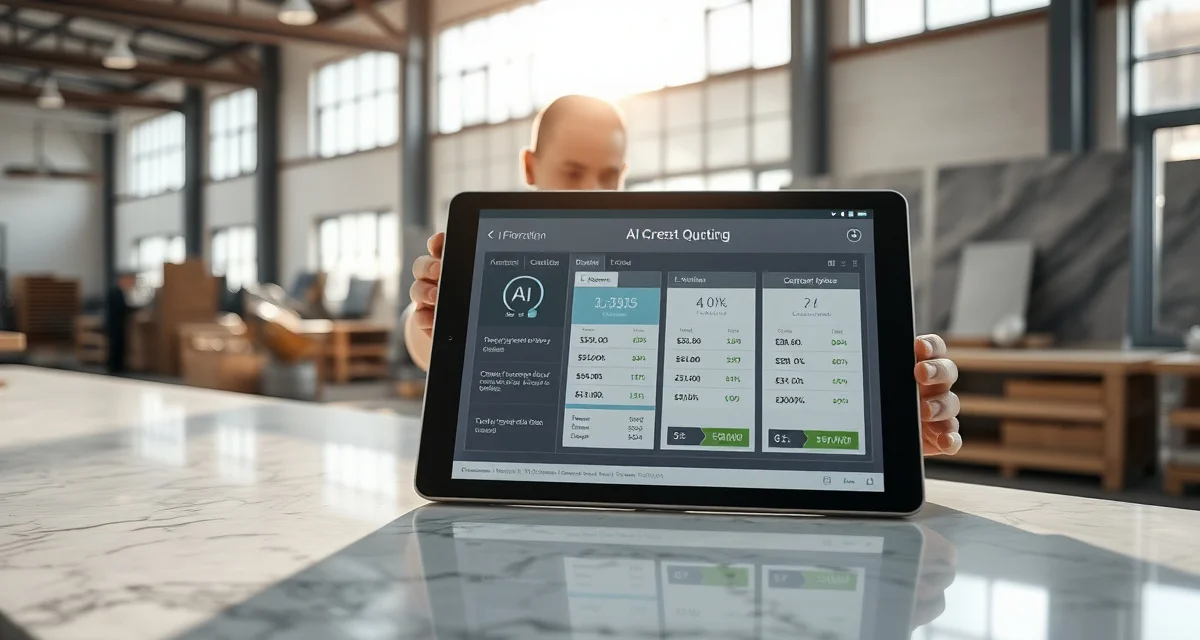
AI-Powered Countertop Quoting
Start with one real customer request. A useful quoting assistant should help you turn the request into a draft your shop can check, price and stand behind.
In SlabWise, you can preserve the customer's original wording, review the job details and build a quote using your shop's rates. Keep a person responsible for measurements, scope and the final customer price.
Try your first request
- Open Customer requests and paste the job request. Keep the source text so you can compare it with the draft.
- Review dimensions and units. Resolve missing or ambiguous measurements with the customer before treating them as confirmed.
- Open the quote and check the material, edge, cutouts, installation and other charges that apply to this job.
- Use your own rates and tax settings, then calculate a preview.
- Check the line items and total. Review the quote before saving; sending it to a customer is a separate decision.
You can begin by pasting a request. A mailbox connection is optional. The selected-label Gmail importer needs dedicated configuration before it can connect; it does not currently provide Outlook support or continuous background synchronization.
Let AI help with the draft
Use the page's AI help control when you want assistance. On a quote, ask for a specific change and check the visible result, for example: "Change the area to 12 square feet and calculate the preview. Do not save or send it."
Calculate your material waste savings
See exactly how much slab material and money you could save with optimized cutting layouts.
Try the free Waste CalculatorAI suggestions can misunderstand a request or omit a charge. Check the changed fields and recalculate after manual edits. A response saying that something happened is not a substitute for the corresponding saved record or customer delivery status.
Photos and extracted dimensions are starting points for review. Confirm measurements on site and follow your shop's templating process before fabrication. This guide does not claim a validated photo-measurement accuracy rate.
Check the arithmetic with a small example
For an illustrative material-only item, 10 square feet at $65 per square foot is $650 before tax. Changing the area to 12 square feet makes that item $780.
Those figures are an arithmetic example, not a material price recommendation or a complete kitchen quote. Include your actual edge, cutout, installation, removal, delivery, minimum-charge and tax rules where applicable. Compare the output with an independently calculated total.
Decide whether it improves your current process
Run the same actual job through SlabWise and your current method. Keep the scope and rates identical, and record:
- Total time, including setup, corrections and final review.
- Missing or incorrect measurements and charges.
- How easily another estimator can understand and update the draft.
- Whether the source request and customer details remain available.
- The work needed to export the result or return to your existing process.
Repeat the comparison on a second job before moving the rest of the shop. Automated calculation and an AI assistant do not by themselves establish higher close rates, fewer errors or financial savings.
Common questions
Will AI quote the job without anyone checking it?
Treat the result as a draft. Confirm the measurements, pricing and scope, then decide whether to save or send it. Do not use an unreviewed suggestion as fabrication approval.
Do I need to connect my email first?
No. Paste a request to begin. Email intake is optional and depends on the available provider configuration.
How fast will the first quote take?
That depends on the completeness of the request, your pricing setup and the corrections needed. This guide makes no fixed completion-time promise. Measure your own first and repeat jobs.
Which plan includes the tools I need?
Check the current plans and trial terms and confirm access to the workflow you intend to use. This guide does not publish a separate price list.
Put it to work
Start with a customer request, or create your shop account. Use one manageable job with known measurements and rates so you can judge the result yourself.