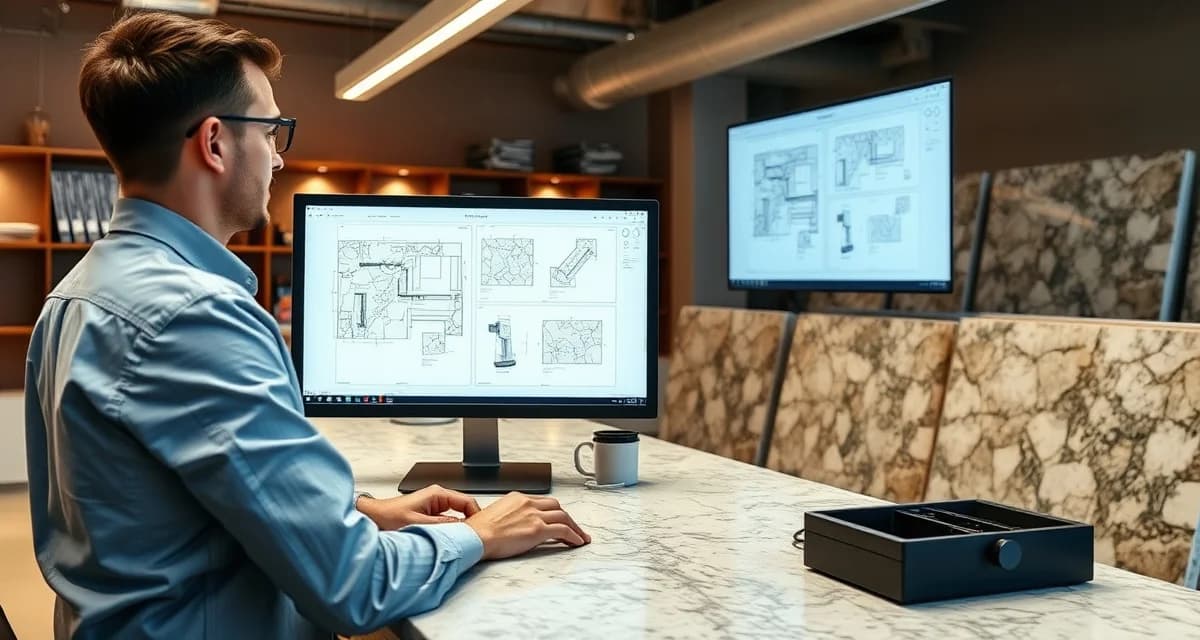
Countertop Drawing Software: Complete Guide
Last October, Marcus Reyes stood in the middle of his 2,400-square-foot shop in Kennesaw, Georgia, watching his templater re-measure a kitchen island for the third time. Cardboard template. Sharpie marks. A phone call to the homeowner about an overhang discrepancy. "That single job cost me eleven hours and a $900 re-cut," Marcus told me at the ISFA conference in January. "I bought a Proliner the next week. My callback rate dropped from seven percent to under two percent in ninety days." His story is not unusual. It's basically the median outcome for shops that finally commit to countertop drawing software.
This article sits in the Digital Templating & Measurement cluster, anchored by the Prodim Proliner hub. If you want the full operational picture, the Complete Guide to Countertop Fabrication ties every piece of the fab shop into one view. What follows is the working answer on countertop drawing software from a shop-floor perspective, built from fabricator surveys, case studies, and the kind of conversations that happen at SFA and ISFA events after the booth lights go off and the real talk starts.
From Napkins to Nesting: A Short, Honest History
Twenty years ago, countertop drawing was a back-of-the-napkin problem. The foreman with the best eye and the steadiest hand won jobs. That was it. The barrier to entry was experience, and it worked well enough when shops ran eight to twelve jobs a month.
About a decade ago, dedicated software vendors started showing up. Early versions were clunky. Adoption was slow because the learning curve was steep and the payoff wasn't obvious until a shop had enough volume to feel the pain of errors at scale. But the shops that got in early built a head start that compounded year over year.
Today the tools are mature, the trade has largely standardized on a handful of vendors, and the question has shifted. It's no longer whether to use countertop drawing software. It's which stack fits which shop.
What's Actually Happening Under the Hood
Strip away the branding and every countertop drawing tool does the same thing. It captures geometry, associates it with materials and labor, and passes that data downstream. The data shape is always the same: jobs, materials, labor, customers, time. Get the data model right and the tools mostly take care of themselves.
Calculate your material waste savings
See exactly how much slab material and money you could save with optimized cutting layouts.
Try the free Waste CalculatorHere's the thing most vendors won't emphasize: the order of operations matters more than the individual steps. A shop that does steps out of sequence (measuring before confirming cabinet readiness, for instance) spends 20 to 40 percent more time than the shop that follows a disciplined sequence. This is a process problem, not a software problem. The best countertop drawing software in the world won't fix a shop that templates before cabinets are leveled.
And every tool runs through humans. The shops winning with countertop drawing software treat it as a frame for decision-making, not a replacement for judgment.
The Money, Spelled Out
Template error rates drop from around 8 percent on cardboard to under 1 percent on laser/digital templates with proper QA. Every error caught at the template stage instead of at install saves $400 to $1,200 in rework. On a shop running 25 jobs a month, that's the difference between hemorrhaging $10,000 a quarter in rework and barely noticing it.
Then layer in the indirect costs. Every hour your team fights countertop drawing software is an hour not spent closing the next sale or running the next slab through the saw. At full shop utilization, that's real opportunity cost sitting on top of the direct cost.
And the brand cost. Repeated problems show up in Google reviews, in referral conversations at the tile showroom, in repeat business that doesn't come back. Hard to pin a dollar value on it. The direction is obvious.
The Costs Nobody Talks About
Rework time. Most shops track the original hours on a job. Almost nobody tracks rework hours separately. Across a full year, rework tied to drawing and templating errors can run 8 to 14 percent of total labor hours. That's staggering when you actually measure it.
Office churn. When your front office is fighting a broken countertop drawing software workflow, customer-facing work slips. Lost leads don't show up as line items. They show up in the top line six months later when you're wondering why revenue is flat.
Crew turnover. Crews that work inside frustrating processes leave. Hiring and training a replacement in this trade runs $8K to $15K per role. If your countertop drawing software is making your best fabricator's life miserable, that's an $8K to $15K liability walking around your shop floor every day.
What the Best Shops Are Doing Right Now
Example one. A six-person shop in the Southeast cut quote turnaround from 8 hours to 35 minutes after rebuilding their countertop drawing software workflow. Close rate moved from 24 percent to 38 percent. Owner reported the change took two months to land cleanly. (Translation: the first month was painful.)
Example two. A 22-person shop in the Mountain West reduced their callback rate from 9 percent to 2 percent over two quarters by tightening the QA layer. The owner credits a weekly review of callback root causes, not any single software feature.
Example three. A four-person shop in the Mid-Atlantic doubled their slab yield by changing how they handled countertop drawing software at the front of the workflow. Same crew, same equipment, different process. That's the boring truth about most software improvements: the leverage is in the process, not the product.
What Templating Actually Has to Capture (and Where Handoffs Break)
Whether the shop uses a Prodim Proliner, a Laser Products LT-2D3D, an ETemplate system, or a cardboard template, the underlying job is identical. Capture cabinet dimensions, wall conditions, overhang spec, seam locations, and any out-of-square conditions. Digital tools win on speed and accuracy. They don't change what the template must capture.
Wall straightness, cabinet square, and overhang: those three measurements drive 80 percent of install issues. A template that captures them cleanly gives the fabrication side everything it needs.
The handoff from template to fabrication is one of the dirtiest spots in many shops. Template files go into a shared folder, a phone gets passed around, the foreman annotates a paper printout with a pen that's running out of ink. It's like playing telephone with your most expensive asset. Shops with a clean digital handoff (template file into fabrication software, no human translation step) cut errors by 30 to 60 percent over shops that pass templates around informally.
DXF, DWG, and proprietary file formats each have tradeoffs. Pick the format your fabrication software handles best, and stick with it. Format consistency is more important than format choice.
Where This Is All Heading
The trade is consolidating around fewer software vendors and tighter integrations. Shops that bet on standalone tools five years ago are now dealing with integration headaches. The next five years favor shops with clean data flow between estimating, scheduling, fabrication, and install.
AI is starting to show up in fabrication-adjacent software, particularly around nesting, scheduling, and document handling. The early returns are real, but only for shops that have already cleaned up their data. Shops with messy underlying processes won't get magical results by adding an AI layer on top. Garbage in, garbage out. That rule hasn't changed since 1957.
The labor market keeps tightening. My genuinely opinionated take: the shops that will survive the next decade are the ones that build countertop drawing software workflows not dependent on one person's institutional knowledge. If your entire templating process lives in Dave's head and Dave retires, you don't have a process. You have a problem.
A 30-Day Action Plan (If You Want to Move on This)
Week one. Observe and measure. Don't change anything. Track how your current approach to countertop drawing software performs across 5 to 10 jobs. Write down three numbers that matter: turnaround time, error rate, and close rate.
Week two. Identify the single largest leak. Where is time, money, or quality slipping the most? One leak. Not three.
Week three. Implement one change. Train the team. Update the written process. Communicate clearly.
Week four. Measure the result. Compare against week one. Adjust if needed. Document what worked.
Shops that follow this pattern consistently show 10 to 25 percent improvement on the tracked metric inside the first cycle. Repeat monthly and the gains compound over a quarter.
A Quick Note On Silica Safety
Anywhere a saw, router, or polisher meets engineered stone, respirable crystalline silica is part of the conversation. OSHA permissible exposure limit is 50 micrograms per cubic meter of air as an 8-hour time-weighted average. Wet cutting, proper ventilation, and fit-tested respirators are the baseline. Shops cutting corners on silica controls are taking on liability that no margin improvement can offset. This applies whether you're templating, nesting, fabricating, or installing.
Frequently Asked Questions
How long does it actually take to see results from changing your approach to countertop drawing software?
Most shops see measurable change inside the first 30 to 60 days. The numbers compound through the first two quarters. Shops with stable crews and clean workflows see results faster than shops fighting turnover.
Is countertop drawing software something a small two-person shop should worry about?
Yes. Smaller shops actually benefit more from getting this right because there's less slack to absorb mistakes. The owner is usually the bottleneck, and any process improvement clears that bottleneck.
What is the biggest mistake new shops make on countertop drawing software?
Treating it as a one-time decision instead of an ongoing practice. The first version of any system is wrong. The second is better. The fifth is what wins. Shops that keep iterating outperform shops that set and forget.
Do bigger shops handle countertop drawing software differently?
The principles are the same; the scale changes. A shop running 30 jobs a month and a shop running 300 jobs a month face the same math, but the tooling and headcount needed look different. Pick the version that fits your stage.
How much should a typical shop budget for improvements tied to countertop drawing software?
Budget for time more than dollars. Most meaningful changes cost 5 to 20 hours of owner or manager time to set up and another 2 to 5 hours a month to maintain. Software costs run a few hundred a month for small shops up to a few thousand for larger operations. The ROI based on case studies generally lands well above the cost inside two quarters.
What number should I track first if I'm just starting out?
Pick one speed number and one accuracy number. For most shops, that's some version of turnaround time and some version of error or callback rate. Get those two on a whiteboard. Look at them every Monday morning. Everything else can wait.
Related Reading
Start with the cluster hub on Prodim Proliner for the full overview of digital templating and measurement in a modern fab shop. From there, the Complete Guide to Countertop Fabrication connects every cluster into one workflow.
Inside this cluster, the related supporting articles worth reading next:
- Laser Template Countertop: Complete Guide
- Prodim Proliner: Complete Guide
- Countertop Measure: Complete Guide
From adjacent clusters, these articles tie in directly:
For the broader shop-floor view, the Complete Guide to Countertop Fabrication brings every cluster into one frame, and the Prodim Proliner hub is where the rest of the digital templating and measurement articles live.